
What it enables
capabilities- Create and manage projects, keys, and resources
- Store and query JSON objects at scale
- Subscribe to events via webhooks
API v1 · Documentation
Nimbus gives you a cloud API with concise guides for authentication, endpoints, and integration — so you spend time building, not searching.
curl api.nimbus.dev/v1/status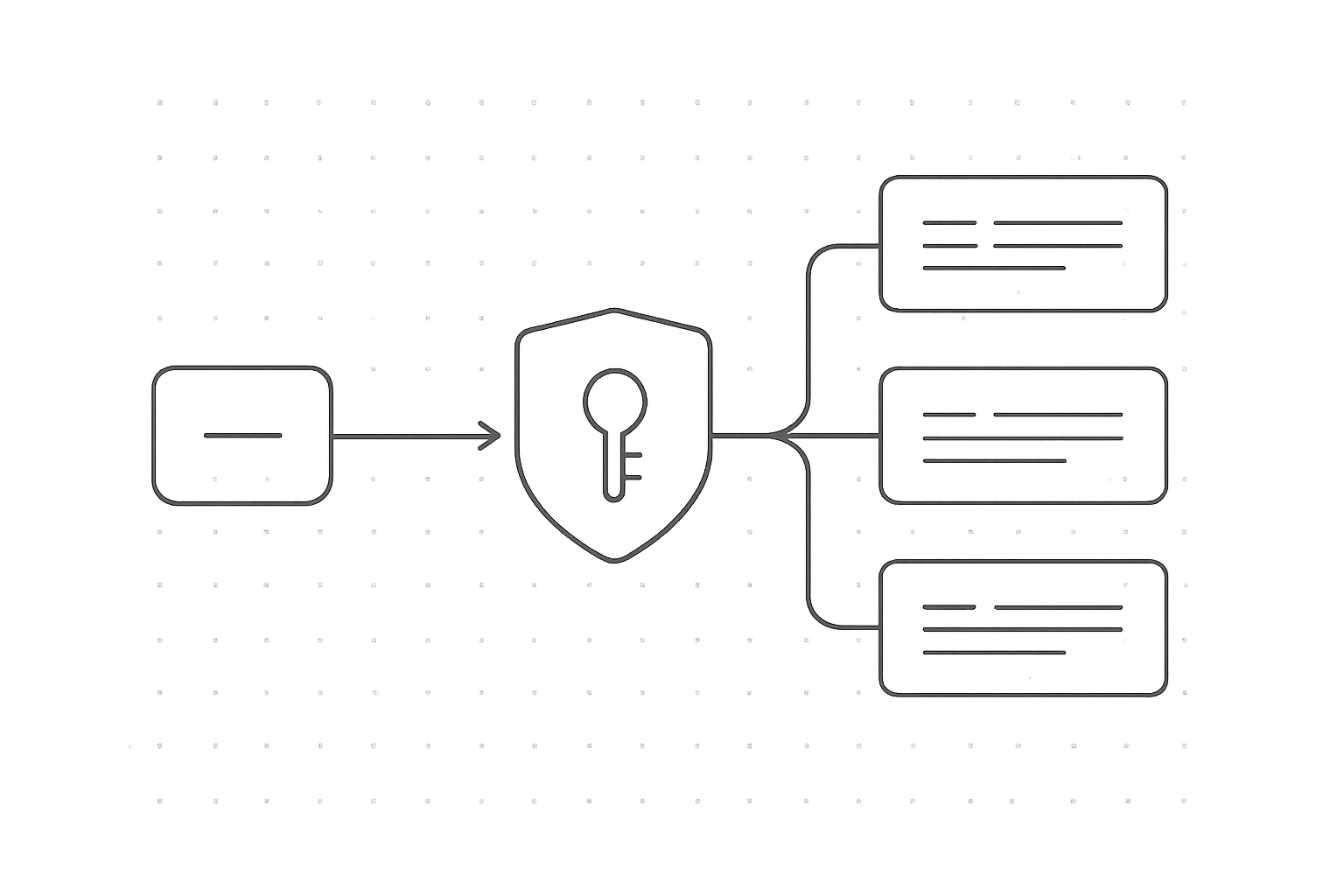
01 / Overview
A REST API for provisioning, storing, and querying cloud resources — authenticate once, then call versioned endpoints over HTTPS.
capabilitiesaudiencestructure02 · Authentication
Every Nimbus request is authenticated with a short-lived bearer token issued in exchange for a project API key. The flow takes four steps and one header.
Open Dashboard → Settings → API keys and generate a key for your project. Test keys start with nb_test_, live keys with nb_live_.
Send a server-side POST /v1/auth/token request with your key and the scopes you need. The response returns an access_token valid for 3600 seconds.
Attach the token in the Authorization: Bearer <token> header. All routes in the endpoint reference expect this header.
Request a new token shortly before expires_in elapses. If a call returns 401 token_expired, repeat step 02 and retry once.
03 / Endpoints
Every resource lives under a versioned base URL and follows the same REST conventions: predictable paths, JSON bodies, and consistent error objects.
/v1/projects/:id/deploymentsRequest
curl -X POST \
  https://api.nimbus.dev/v1/projects/prj_42/deployments \
  -H "Authorization: Bearer $NIMBUS_API_KEY" \
  -H "Content-Type: application/json" \
  -d '{
    "region": "eu-west-1",
    "image": "app:1.4.2"
  }'
Response 201 Created
{
  "id": "dep_8f3a21",
  "object": "deployment",
  "status": "queued",
  "region": "eu-west-1",
  "image": "app:1.4.2",
  "created_at": "2026-09-25T10:14:03Z"
}FAQ
Quick answers to the questions teams ask most while moving from first request to production.
Most teams send an authenticated request in under ten minutes. Create a project, generate a key, and run the GET /v1/status quickstart call.
Use a secret API key for server-side calls, sent as Authorization: Bearer <key>. Keep keys out of client code; use scoped tokens for browsers and mobile apps. See Authentication.
Default projects allow 100 requests per second per key. Every response includes X-RateLimit-Remaining; on 429, back off using the Retry-After header.
Major versions live in the path, such as /v1. Additive changes ship without notice; breaking changes arrive only in a new major version, with at least 12 months of support for the previous one.
Share the X-Request-Id from the response, the endpoint, a timestamp, and the error body. Never send secret keys. With that context, most tickets are resolved in a single reply.
Still have a question? Your first request is the fastest answer.
Start Building